

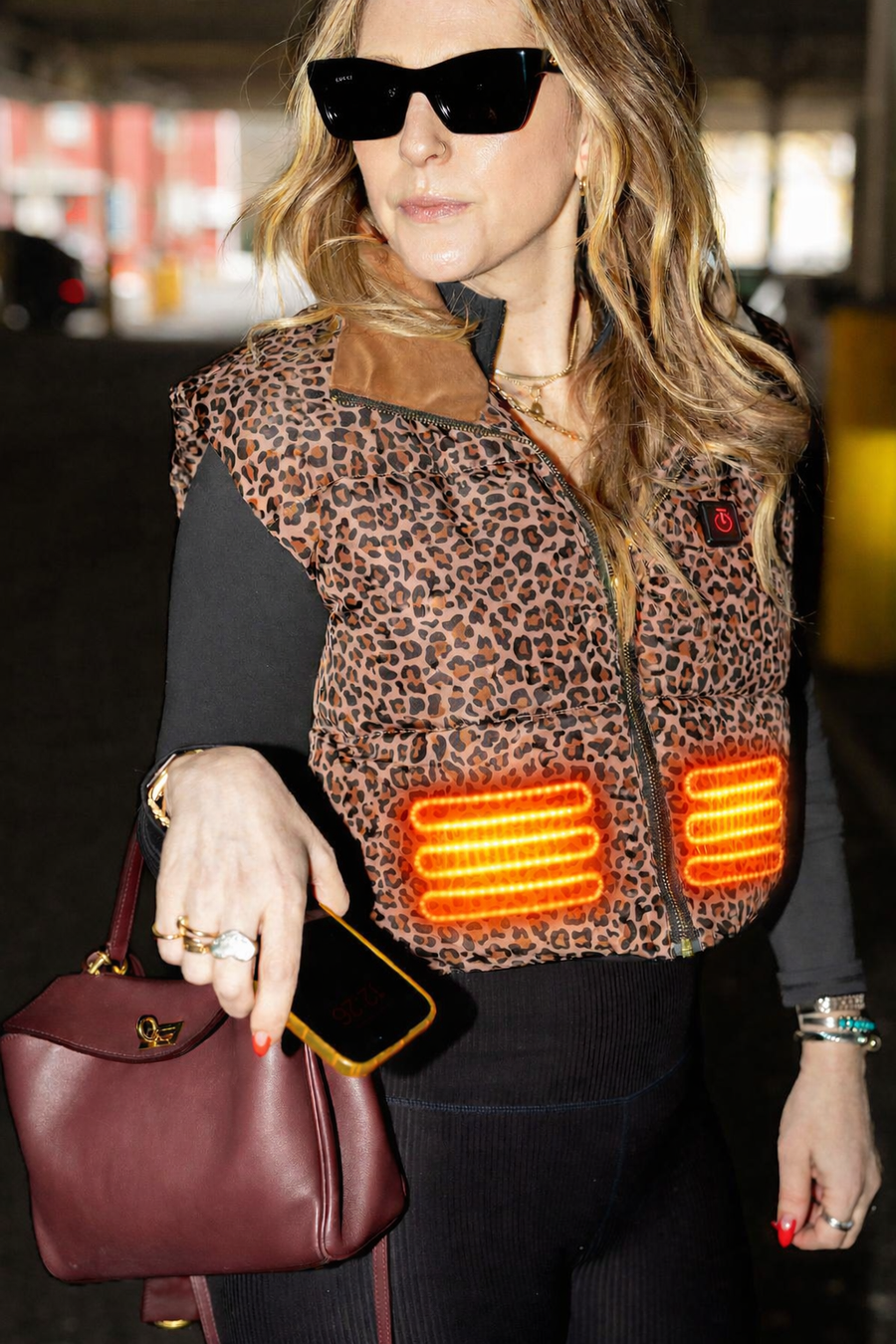
Love love love! I’m not necessarily an always cold person, but I do like to be cozy, and that’s exactly what this does. I wear this all around my house instead of a bulky robe now. The best!
My torso stayed moderately warm, in the cold weather. It’s not very snug and it is very heavy. If the weight of the battery was a little bit less, it might be more comfortable.
I love my Hot Tommies heated puffer vest. I’m 4’11” and the fit is honestly perfect. I’m actually giddy over it, like I squealed with delight when I tried it on😆 The length and adjustable waist cord make it look like it was made for petites, which is hard to find in items like this. The leopard print is so chic, such a great neutral if you’re looking for something other than black. But the thing that surprised me the most was that I didn’t know how much I needed this until I had it. I’m cold all the time in the winter even in my house. I’ve been totally comfortable in just a turtleneck and the vest even on these single digit days we’ve had recently. Also wanted to mention that the small fits great on a bigger bust. I’m a 32DD and usually worry about fit across the bust, but this zipped comfortably with room. I love it so much I’m already planning to get a black one, too. Thank you for such a thoughtfully designed vest! 🩷